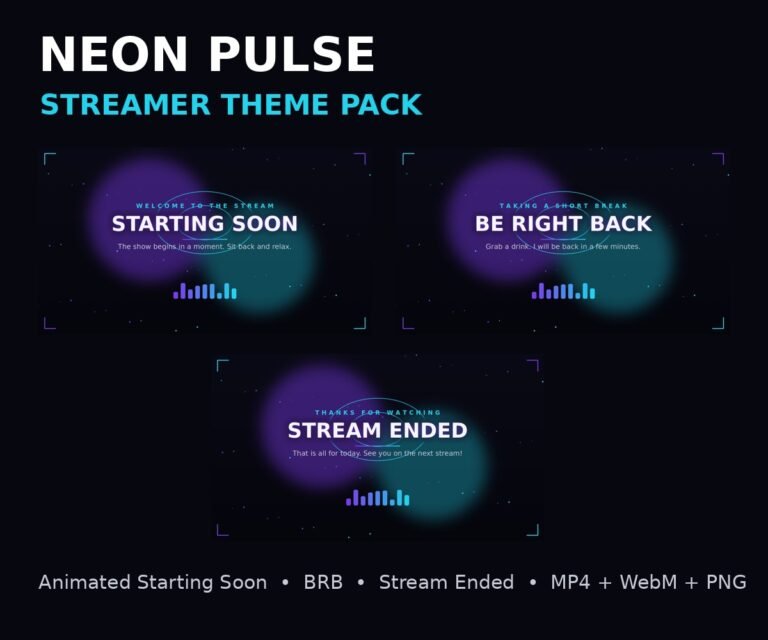
Your stream has about three seconds to look professional before a new viewer decides to stay or leave. A stream overlay pack fixes that first impression: animated starting soon, be right back and ending scenes, a webcam frame that matches, and one consistent look across your whole channel.
Every pack here is made for OBS and Streamlabs: download, add the scenes as media sources, drop in the webcam frame, and your stream looks like a top channel today, not someday. New themes are added regularly, so check back for fresh styles.
Frequently Asked Questions
What software do the overlays work with? OBS Studio and Streamlabs. The scene files are standard video files (MP4 and WebM) plus PNG stills, so they work anywhere media sources work.
Are the scenes animated? Yes. The starting soon, be right back and ending scenes are seamless animated loops, not static images.
How do I receive my pack? Instantly after checkout, as a download from your account. Setup instructions for OBS and Streamlabs are included in every pack.